
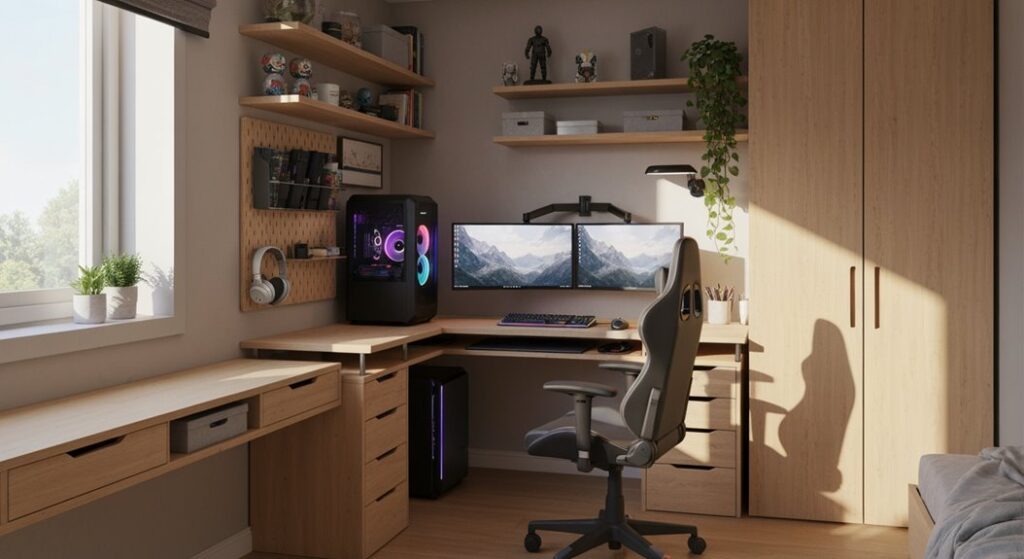
I’ve learned that squeezing a gaming setup into a tiny room doesn’t mean sacrificing performance or style. You’re probably thinking your space is too cramped for a real gaming station, but here’s the thing, smart furniture choices and strategic planning can transform even the most compact corner into something functional. Want to know how? Let’s explore what actually works.
Set Your Budget Before Buying Anything
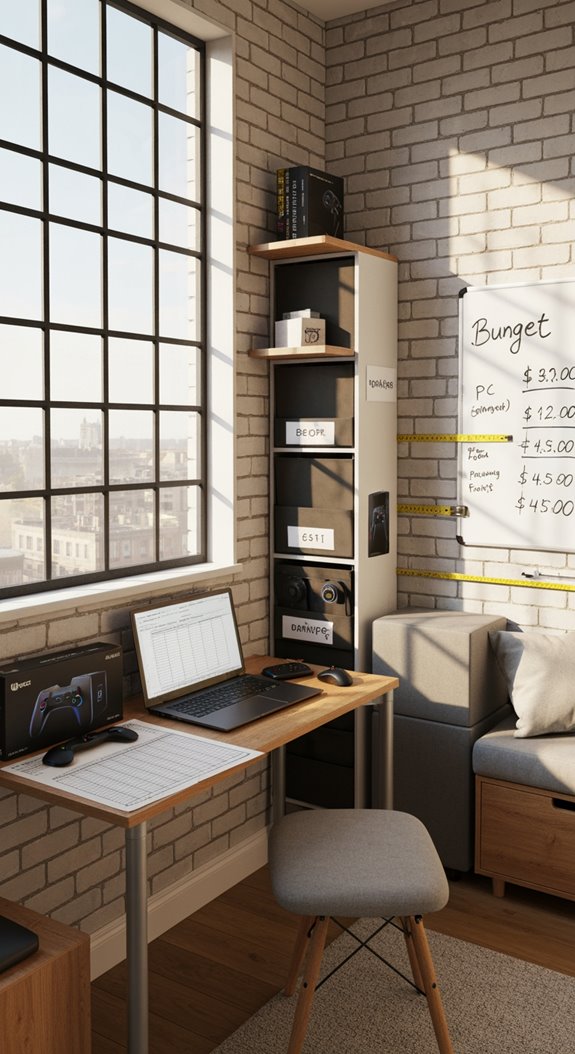
Before you start clicking “add to cart” on every gaming gadget you find, you’ll want to set a realistic budget, because trust me, high-quality gaming equipment costs add up faster than you’d think. I recommend determining how much you’re willing to spend on essentials: your desk, chair, monitor, keyboard, and mouse. You can set up without breaking the bank by researching prices online and comparing deals first, then tracking expenses carefully throughout your purchasing process.
Measure Your Space: Desk Dimensions That Actually Fit
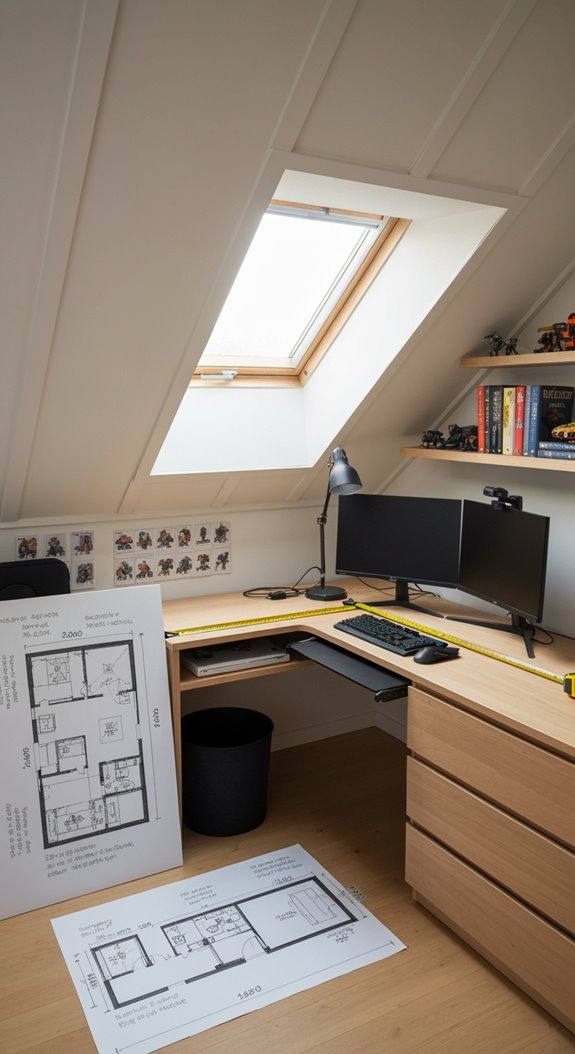
How much space do you actually have? Measure your room first, you’ll need at least 3 feet around your gaming desk for movement. A 48–60 inch width works for dual monitors, while 24 inches deep keeps your keyboard and mouse comfortable. L-shaped or corner desks maximize tight spaces smartly. Don’t forget cable trays and shelving to stay organized without clutter. Consider vertical shelving units above your desk to store gaming accessories and keep your floor space clear for comfortable seating and movement.
Pick Your Desk Type: Floating, Corner, or Compact L-Shaped
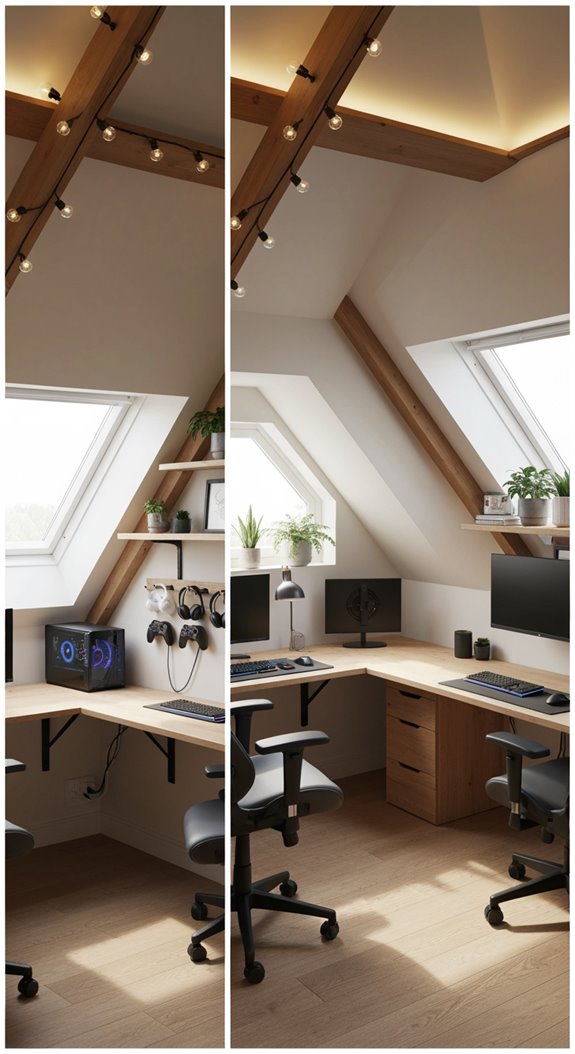
Now that you’ve got your measurements down, it’s time to pick a desk that actually fits your space and your gaming needs. Floating desks save floor space and create an airy feel. Corner desks utilize wasted space efficiently for multi-monitor setups. Compact L-shaped desks maximize corners while keeping everything organized. Look for built-in cable management and height-adjustable options to boost comfort during marathon sessions. Consider pairing your desk with stackable storage solutions to keep gaming accessories organized without consuming valuable floor space.
Maximize Your Desk Real Estate (Without Expanding It)
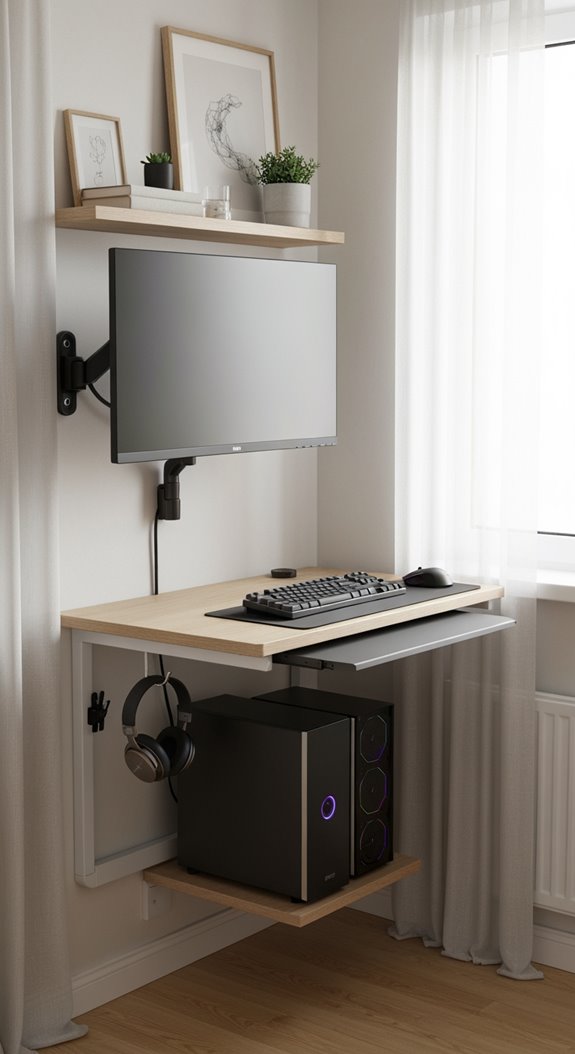
Once you’ve picked your desk, the real challenge isn’t finding more space, it’s squeezing everything you need into the space you’ve got. I’d suggest using monitor arms to lift your displays, freeing up desk surface below. Stack vertical storage like shelves above, add cable management trays underneath, and consider multi-functional furniture for your gaming room setup. Attention to vertical space is crucial for maximizing storage in compact gaming environments. You’ll maximize every inch without expanding.
Cable Management That Doesn’t Eat Your Workspace
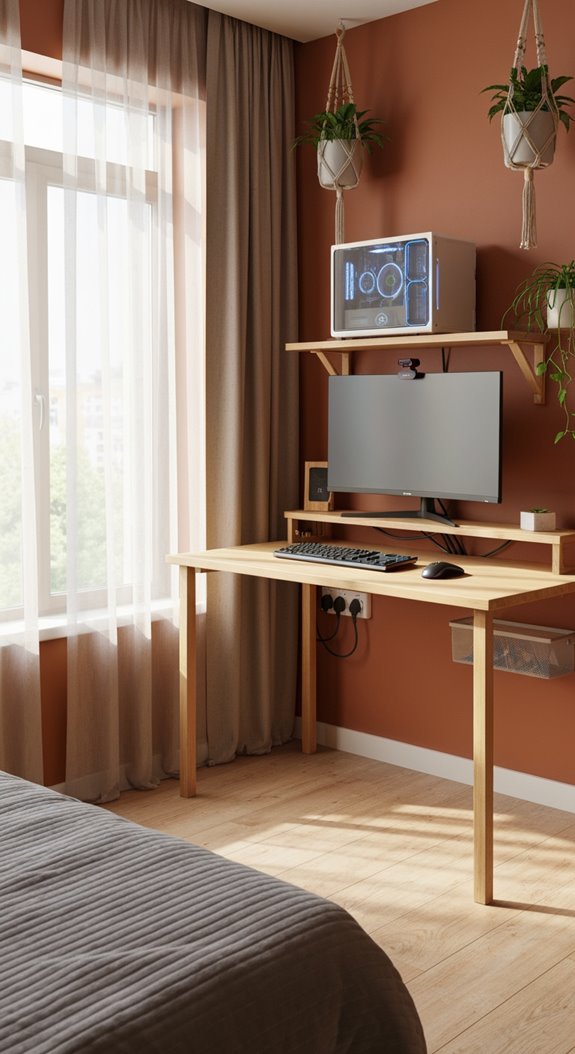
Since cables multiply like rabbits in a gaming setup, you’ll want a solid plan before they take over your desk. Cable management keeps your workspace clean and functional. Use velcro straps to bundle cords together, then hide them with cable raceways along walls. Mount an under-desk power strip for easy outlet access without cluttering your gaming surface. These simple tools prevent tangling and maximize your precious small-space real estate.
Hide Cables Behind Your Desk (Not Inside It)
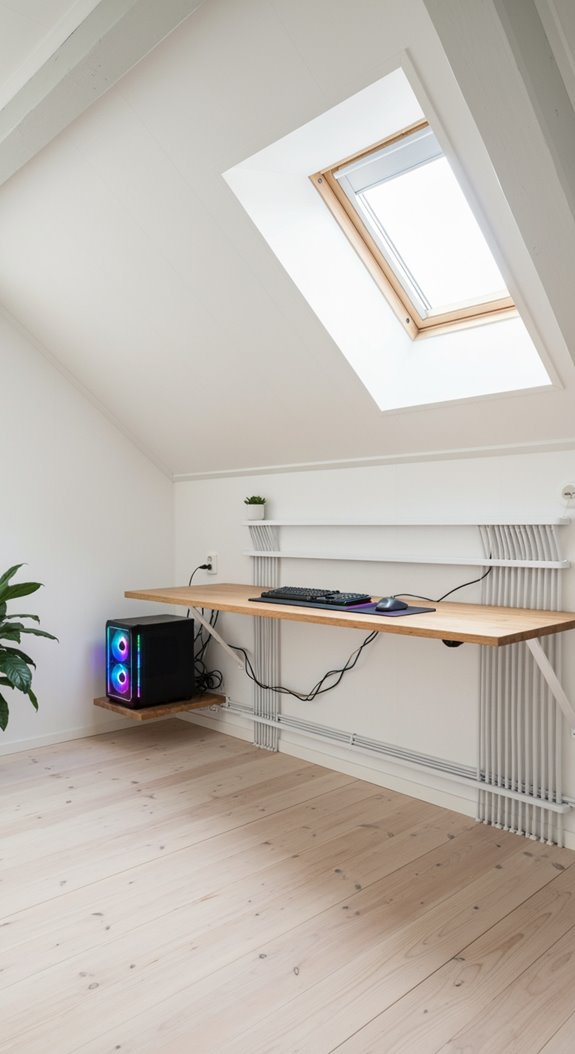
The real magic of a small gaming space happens when you hide cables behind your desk instead of stuffing them inside drawers or compartments where they’ll tangle and trap heat. Cable management trays mounted underneath keep wires organized and accessible. You’ll maintain better airflow, prevent damage, and actually find the right cord when you need it. It’s a simple move that transforms your whole setup’s functionality. By implementing smart storage ideas, you can maximize every inch of your gaming space while keeping your equipment cool and your cables in perfect order.
Choose an Ergonomic Chair for Tight Corners
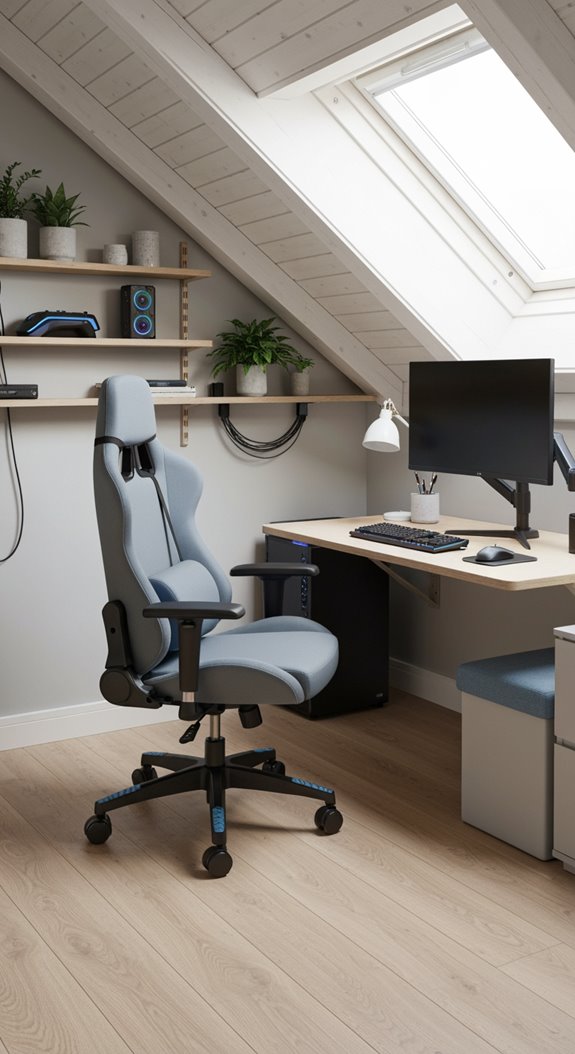
Your chair matters just as much as your desk in a cramped gaming space, so don’t skip this step. Look for ergonomic chairs with compact, narrow profiles that fit snugly in corners. Choose adjustable models with movable armrests and seat height to match your body. Caster wheels help you reposition easily, while designs that tuck under desks maximize your limited square footage.
Position Your Chair Without Blocking Movement
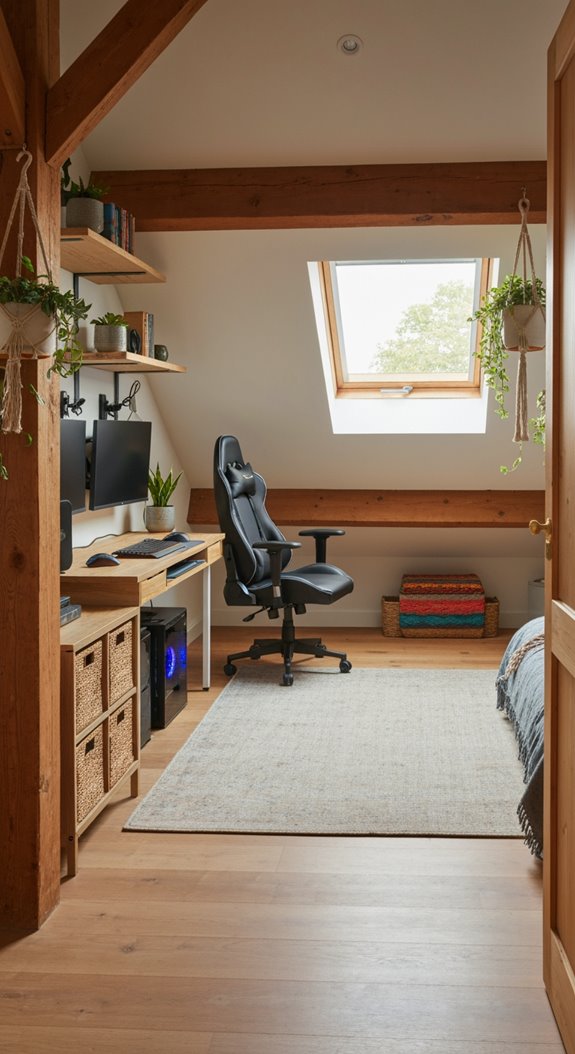
Positioning your gaming chair strategically is key to making your small space actually work for you. Keep at least 2 feet of clearance around your chair so you can move freely. Avoid placing it directly in front of doors or pathways, you don’t want to block traffic flow. A wheeled gaming chair lets you reposition easily, adapting your setup as needed without hassle. Consider applying maximizing limited space principles to your gaming area layout to ensure every inch serves a functional purpose.
Select Your Monitor Setup for Small Rooms
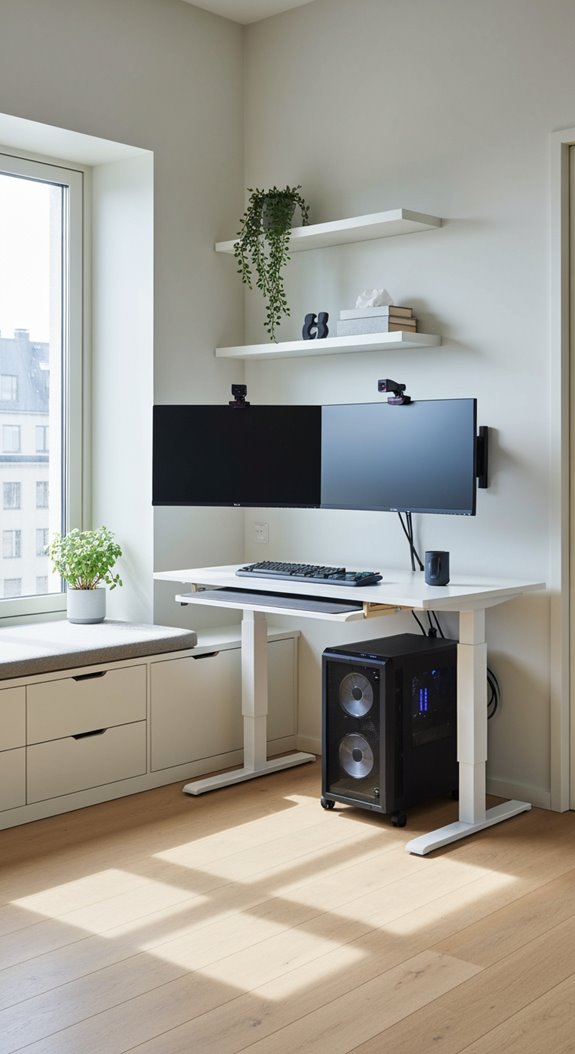
A monitor setup can make or break your small gaming space, so let’s find what works best for you. I’d suggest trying a curved 24-inch monitor, it maximizes your visual field without eating desk real estate. Alternatively, dual smaller monitors work great for gaming and productivity simultaneously. Wall-mounting or using adjustable arms saves crucial space, keeping your setup organized and ergonomic while maintaining that innovative edge.
Run Dual Monitors on Your Compact Desk
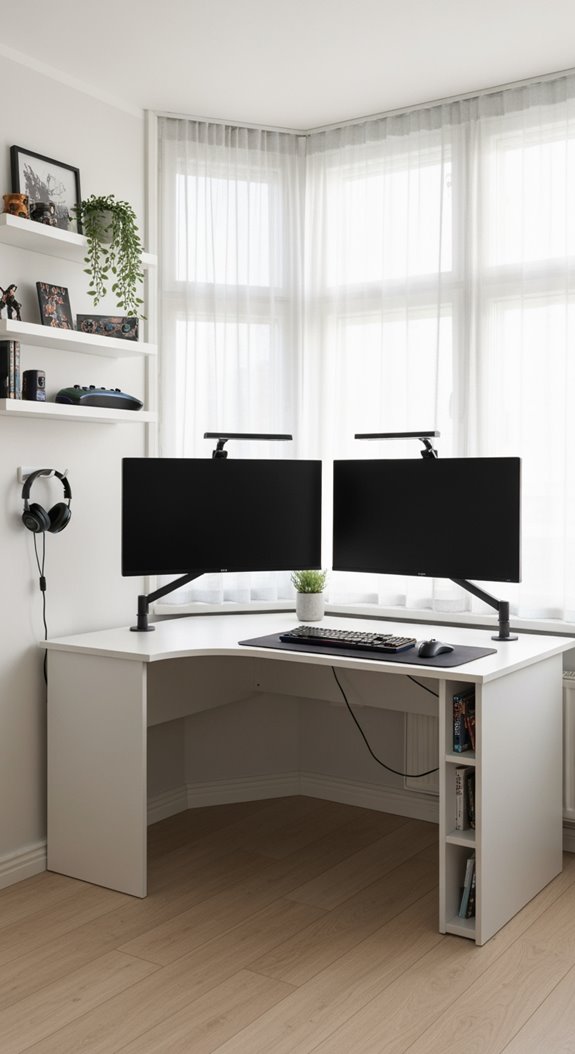
Dual monitors might sound like a luxury, but I’ve found they’re actually pretty practical on a compact desk if you plan it right. You’ll want monitor arms to free up space and slim bezels to maximize your viewing area. Consider a gaming desk designed for dual setups, they’ve got built-in cable management trays keeping cords organized and your gaming setups looking clean.
Wall-Mounted Shelving for Games and Accessories
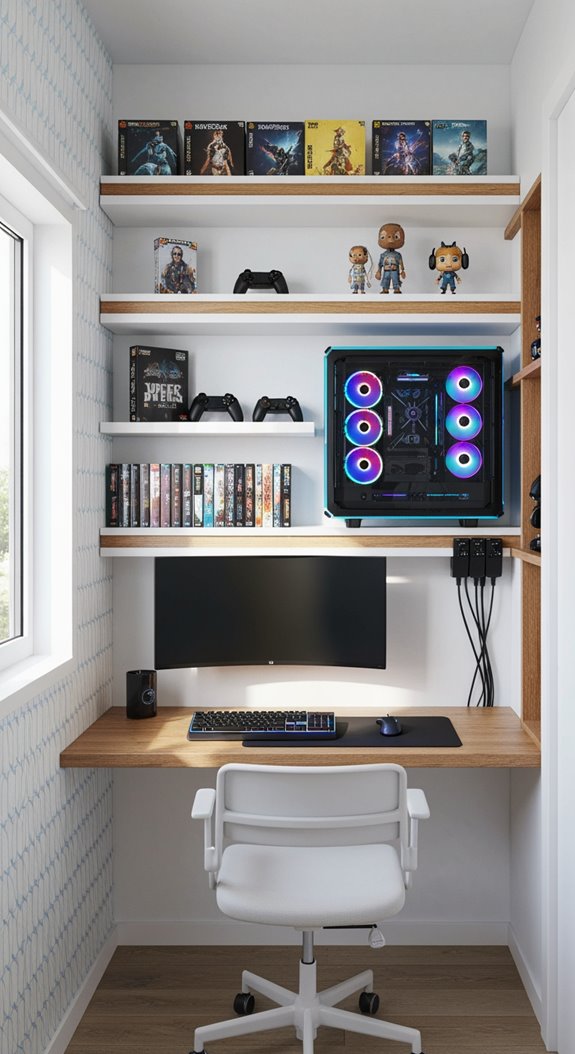
When you’re tight on floor space, wall-mounted shelving becomes your best friend for storing games, controllers, headsets, and all those collectibles you’ve gathered. A lightweight wall cabinet using MDF or plywood keeps things organized without bulk. Adjustable shelves let you customize your setup as your collection grows. Add LED strip lights underneath for ambient gaming vibes. You’ve got everything accessible, tidy, and visible.
Vertical Storage Solutions to Reclaim Floor Space
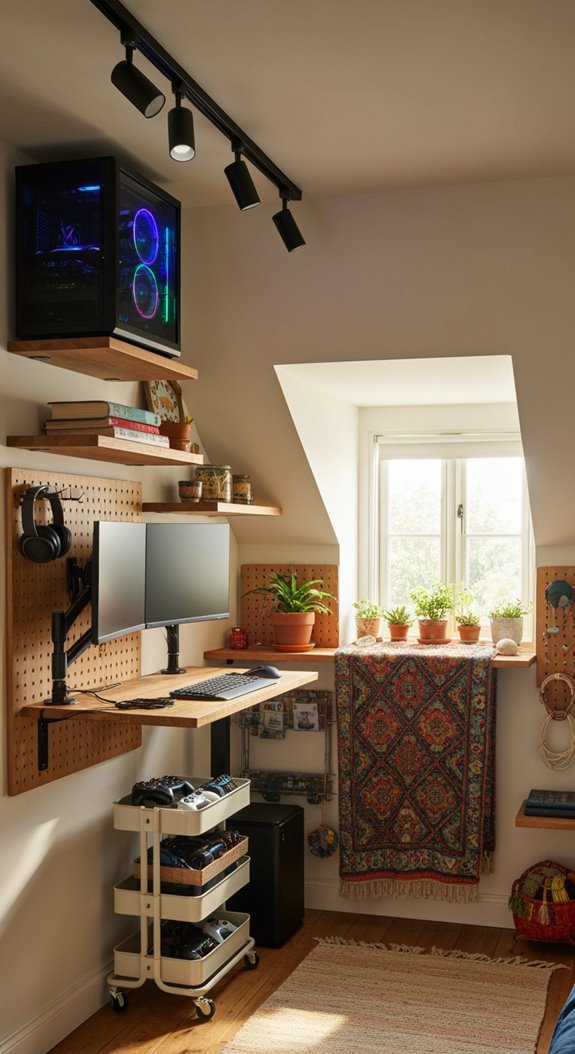
If you’ve noticed your gaming room’s floor disappearing under piles of equipment, vertical storage solutions offer a practical escape route. Wall-mounted shelves and floating cabinets reclaim valuable floor space efficiently. Tall bookcases organize controllers, headphones, and cables without eating into your gaming area. Pegboards and wall hooks keep accessories accessible yet out of sight. Suspended baskets maintain that clutter-free, stylish vibe you’re after.
Corner Desk Setups for Maximum Efficiency
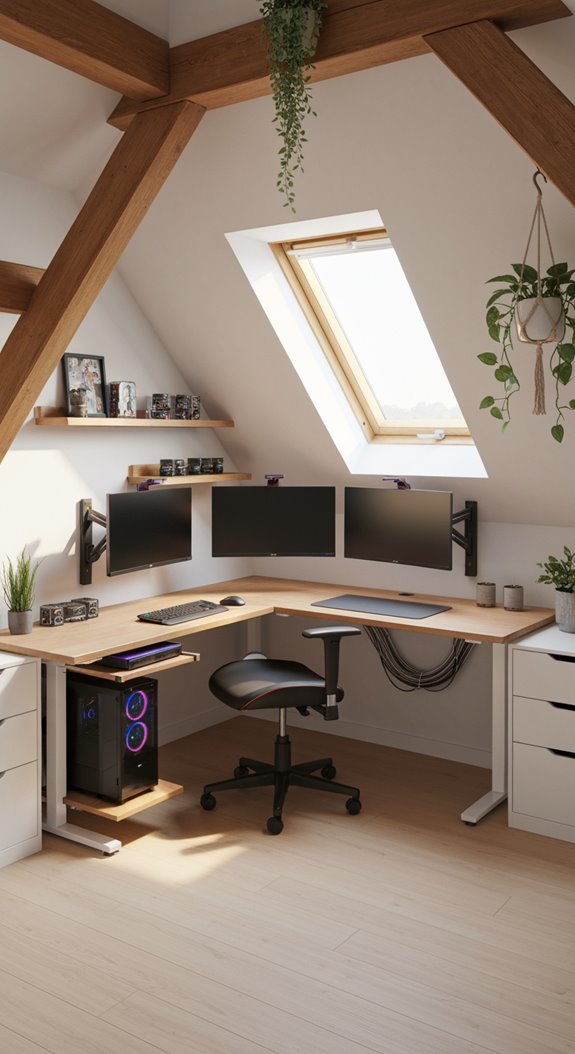
Corner desks fit perfectly into the awkward angles of your room, transforming wasted space into your gaming command center. You’ll appreciate how corner desk setups maximize efficiency with built-in cable management and shelving, keeping your setup clean. Their ample surface area accommodates multi-monitor configurations, boosting your gameplay. Adjustable height options let you switch between sitting and standing, reducing fatigue during marathon sessions. These versatile desks blend seamlessly with any décor style.
Under-Desk Storage Boxes to Reclaim Real Estate
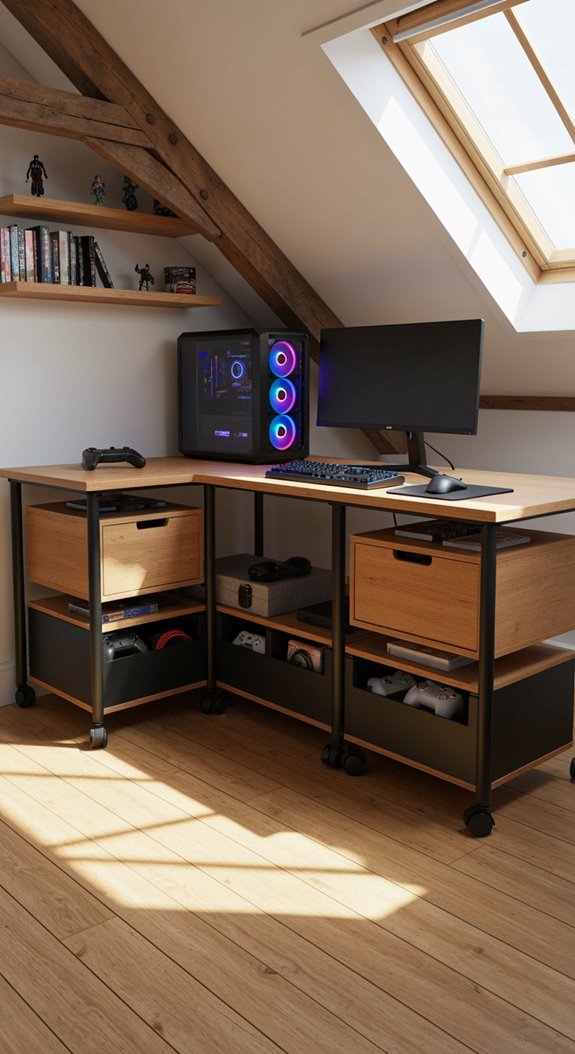
As your desk fills up with controllers, cables, and gaming gear, you’ll realize that vertical storage isn’t enough, you need smart solutions underneath your setup too. Under-desk storage boxes, like the PLOGFÅRA set at $19.99, reclaim wasted floor space while keeping essentials accessible. They’re significant innovations for small rooms, transforming cluttered areas into organized, efficient workspaces that actually look intentional.
Monitor Stands With Built-In Drawers
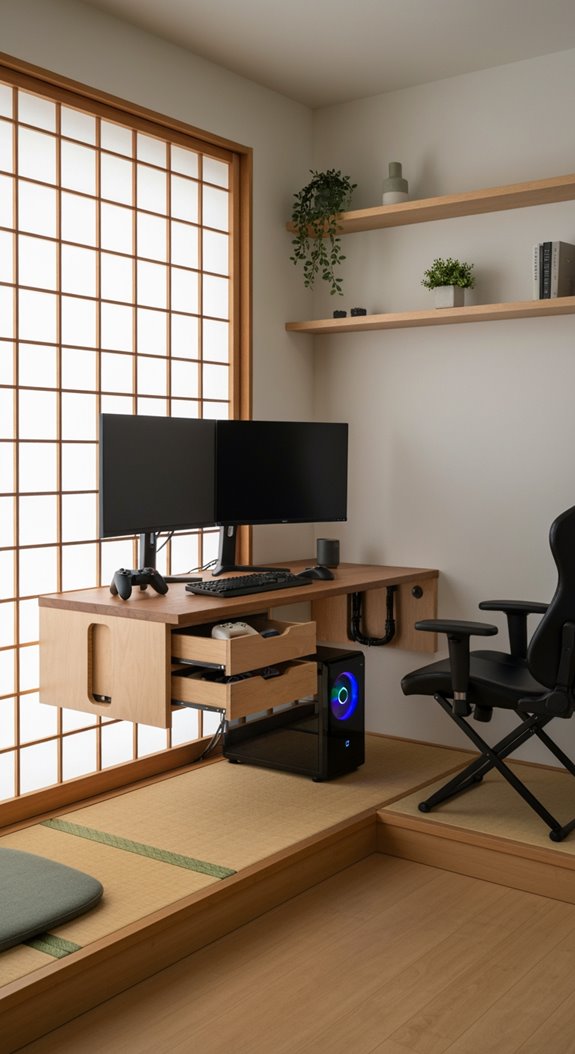
Monitor stands with built-in drawers take your desk organization to the next level, stacking storage right where your monitor already sits. You’ll find these stands perfect for keeping headsets, controllers, and cables organized without eating up valuable desk space. Many offer adjustable heights for ergonomic comfort, while cable management features keep everything tidy. It’s smart design meeting practical storage needs.
Pegboard Organization Systems for Quick Access
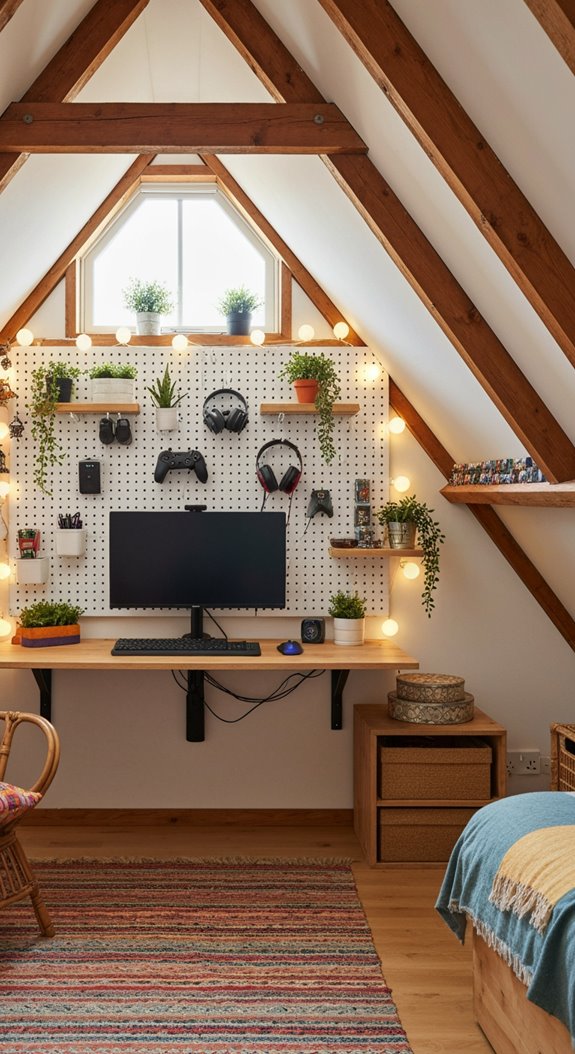
Vertical wall space is your secret weapon when you’re squeezing a gaming setup into a tight room, and pegboards unlock that potential beautifully. I’ve found pegboard organization systems game-changing for storing controllers, headsets, and cables within arm’s reach. You customize hook placements, arrange shelves exactly how you need them, and instantly access everything during intense sessions. Plus, themed pegboards look genuinely sharp while keeping your compact space organized and efficient.
Store Controllers and Cables Out of Sight
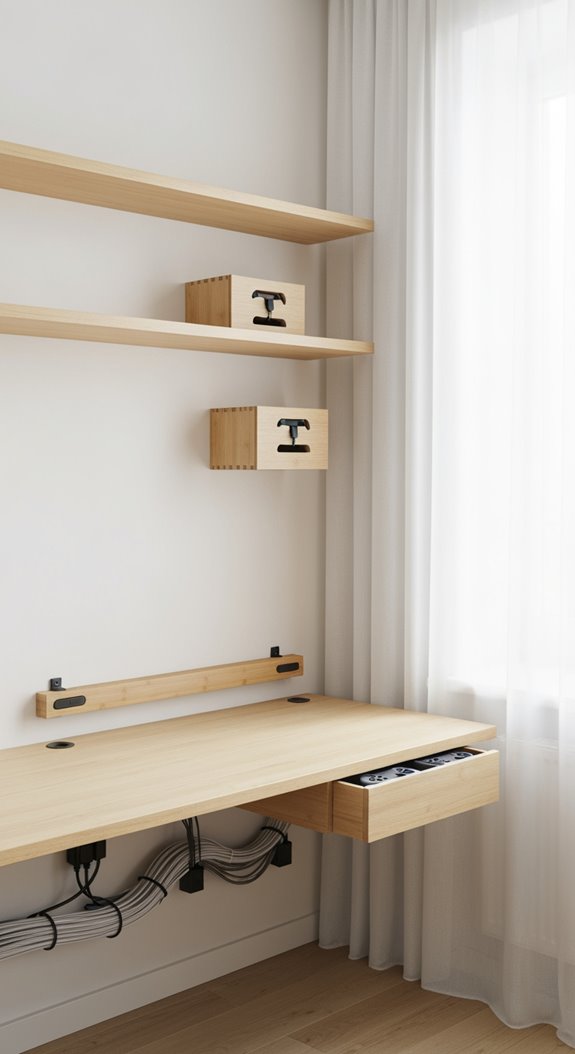
Clutter’s the enemy of a good gaming setup, especially when you’re working with limited square footage. I’d grab the EKET Wall cabinet with glass doors for $42.00, it hides cables and controllers while looking sharp. Add cable management trays to tame cord chaos. The PLUGFÅRA Storage boxes ($19.99 for two) are perfect for stashing accessories in small spaces without sacrificing style or function.
Display Your Setup Without Wasting Floor Space
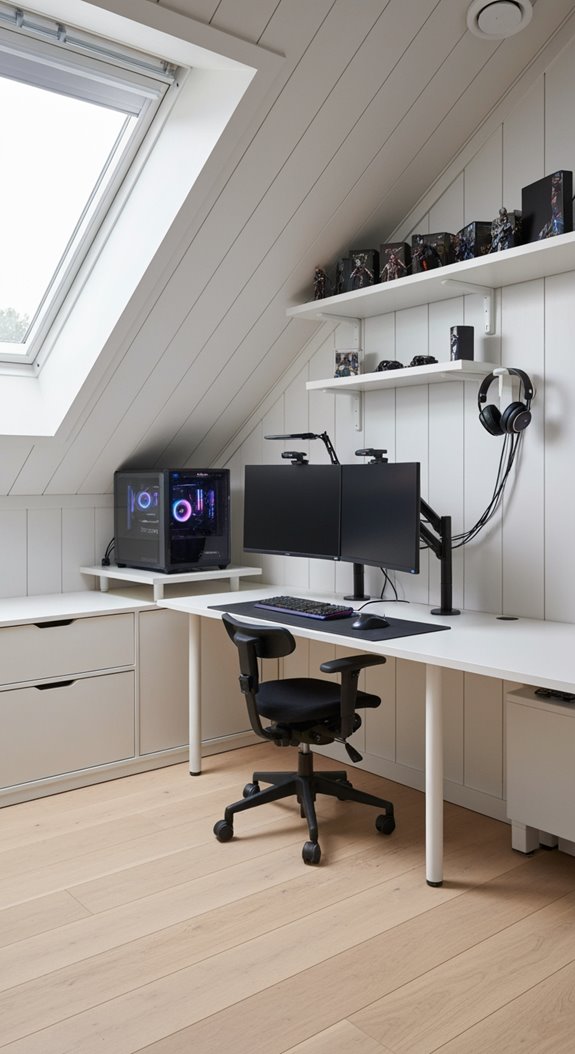
Once you’ve got your cables hidden away, it’s time to show off what you’ve actually built, without letting your setup eat up precious floor space. Wall-mounted shelves and floating desks display your gear elegantly. Consider vertical storage with tall bookcases for peripherals. Mount your monitors on walls, freeing desk real estate. An L-shaped corner desk maximizes those room setup ideas efficiently.
Light Your Desk Without Blinding Yourself
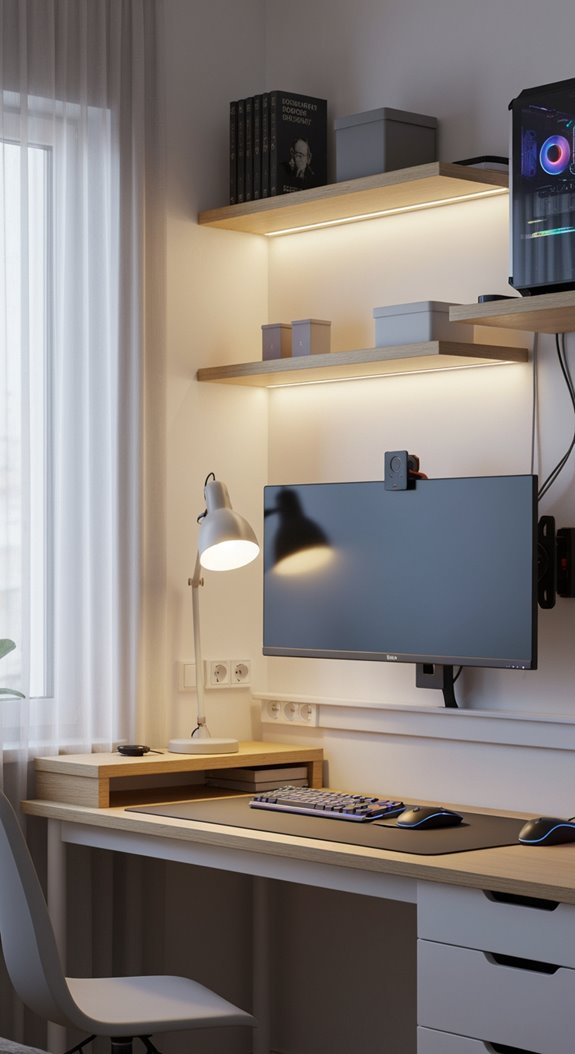
Good lighting can make or break your gaming setup, especially when you’re staring at screens for hours on end. I’d recommend installing LED lighting strips behind your monitor for ambient glow that reduces glare. Pair those with dimmable desk lamps featuring adjustable arms, letting you position light exactly where you need it. Soft, warm lighting beats harsh white, keeping your eyes comfortable during marathon sessions.
LED Strips or Desk Lamps: Which Wins?
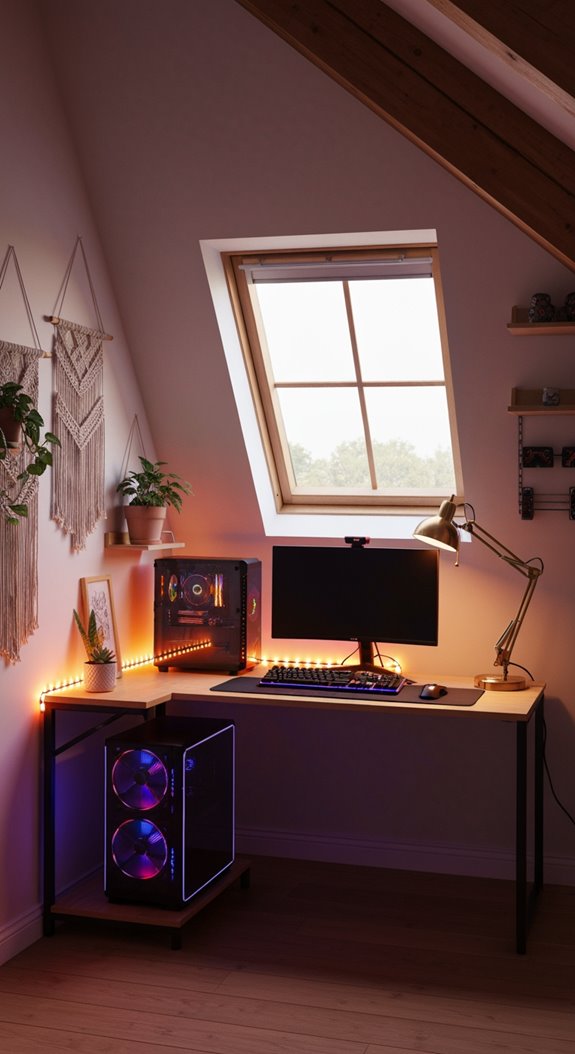
So, which lighting option actually works better for your gaming setup, LED strips or a traditional desk lamp? I’d argue LED light strips edge out ahead for small spaces. They hug your desk edges without stealing real estate, sync with games for immersion, and reduce eye strain through backlighting. Desk lamps work fine, but strips give you customizable RGB colors and versatile placement that transforms your entire gaming atmosphere efficiently.
Blackout Curtains to Reduce Monitor Glare
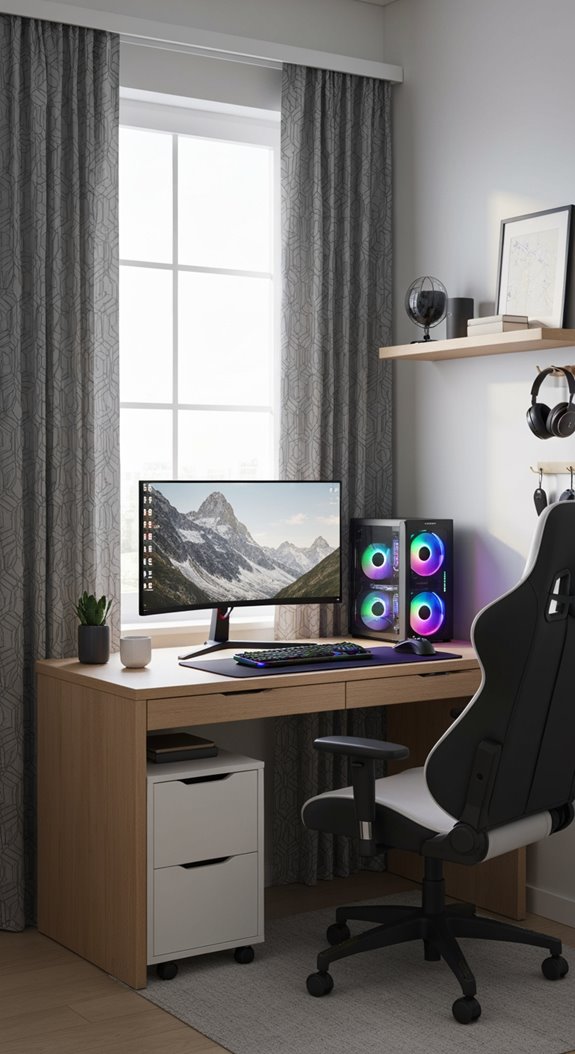
Monitor glare is probably the biggest enemy of your gaming comfort, especially when you’ve got sunlight streaming through your windows and washing out your screen. Blackout curtains solve this problem by blocking natural light, reducing eye strain during marathon sessions. They’re smart gaming room ideas for small spaces, letting you control your environment and boost concentration. Plus, they come in styles that actually look good.
Keyboard and Mouse Placement for Comfort and Space
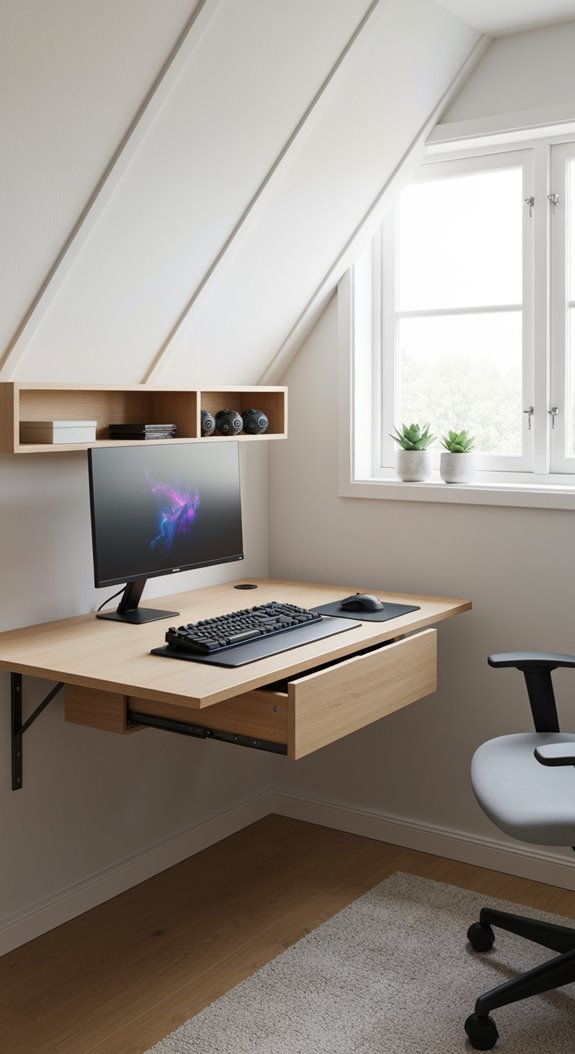
Now that you’ve got your glare under control, it’s time to think about where your keyboard and mouse actually sit on your desk. Position them within 12-15 inches of each other, keeping both at elbow height for an ergonomic setup. I’d recommend a compact mechanical keyboard to save space while maintaining responsive feedback. Add wrist support underneath, organize those cables, and you’re crafting a PC gaming station that’s both comfortable and innovative.
Floating Desk Designs for Minimal Visual Impact
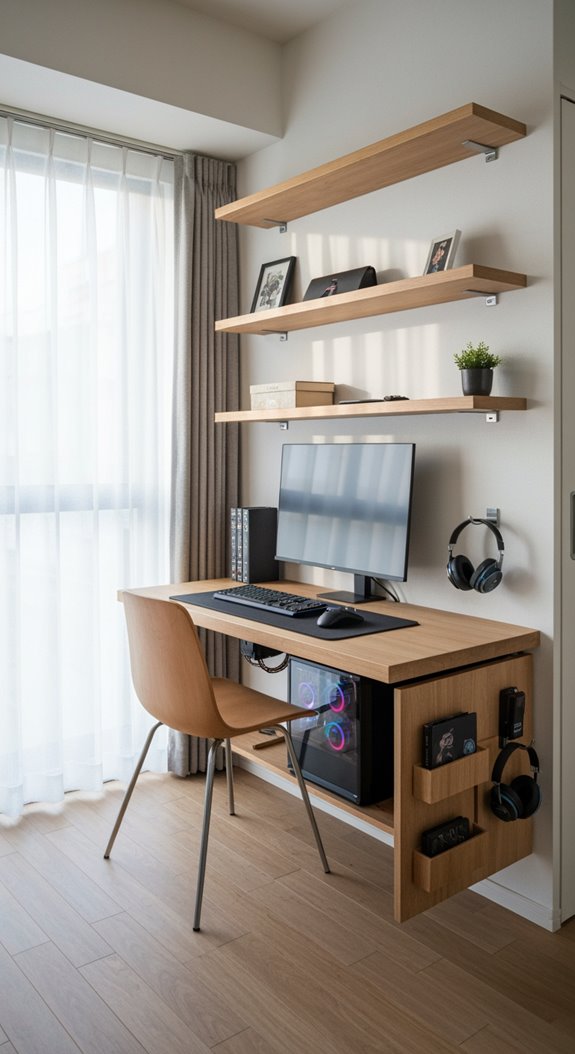
While your keyboard and mouse setup’s looking great, your desk itself might still be eating up valuable floor space with those chunky legs taking up room. Floating desk designs solve this problem by mounting directly to walls, eliminating visual clutter. You’ll gain floor space, reduce cable mess with integrated management systems, and choose materials matching your style, all while supporting your gaming monitor and peripherals efficiently.
Mobile Cart Solutions for Flexible Gaming Layouts
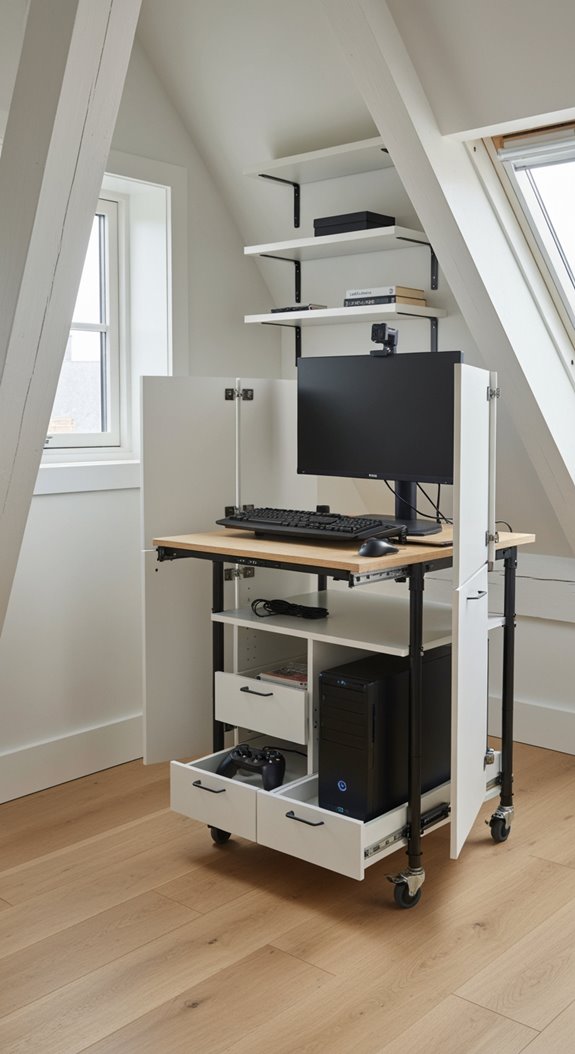
If you’re tired of your gaming setup feeling permanently glued to one spot, a mobile cart might be exactly what you need. These mobile cart solutions let you roll your entire rig wherever inspiration strikes. You’ll get built-in storage, cable management, and adjustable heights for sitting or standing. It’s flexibility without the headache of rewiring everything constantly.
Themed Decor That Won’t Overwhelm a Small Room
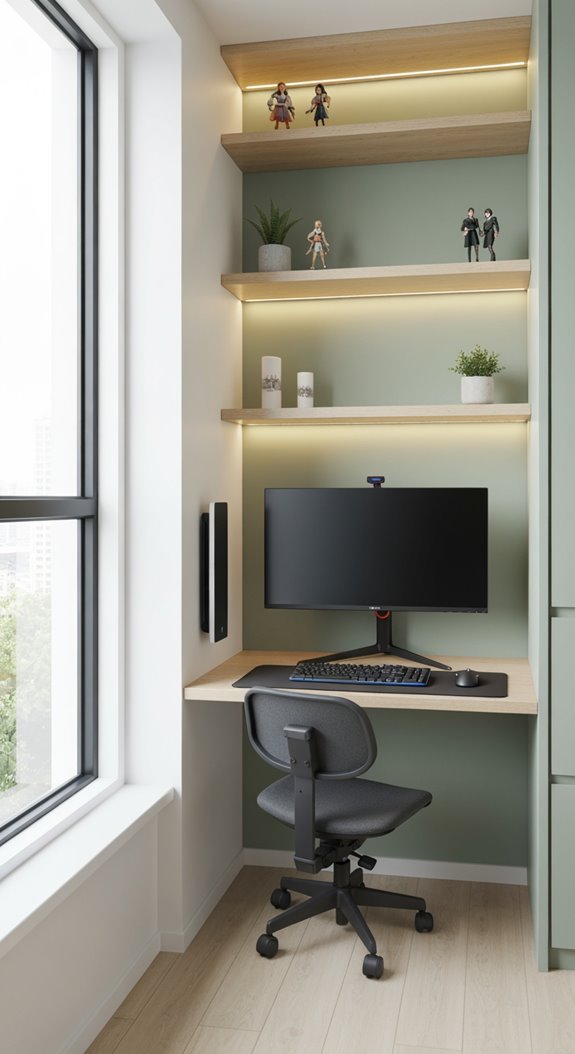
One of the trickiest parts about gaming in a small space is adding personality without turning your room into a cluttered museum. You’ll want a cohesive color palette, wall-mounted shelves for collectibles, and adjustable LED lighting that matches your setup without overwhelming it. Removable decals let you express your game room’s theme freely, keeping your space innovative and functional simultaneously.
Frequently Asked Questions
How Do I Improve Internet Connection Speed in a Small Gaming Room?
I’d recommend optimizing your network by positioning your router centrally, using a wired ethernet connection, and minimizing interference from other devices. Consider upgrading to Wi-Fi 6 technology for state-of-the-art performance in your gaming space.
What’s the Best Way to Reduce Heat Buildup From PC Components in Tight Spaces?
I’d recommend installing high-performance case fans, positioning your PC away from walls, and using vertical cable management for optimal airflow. You’ll want strategic Heat Management with undervolting your GPU and considering liquid cooling solutions for compact spaces.
Should I Prioritize a High-End GPU or CPU for Small Room Gaming Setups?
I’d prioritize balancing both components for optimal Performance Balance rather than favoring one. Your GPU drives visuals while your CPU handles processing, neglecting either creates bottlenecks. I’d invest strategically in complementary mid-to-high-tier options that’ll innovate your gaming experience.
How Can I Soundproof a Small Gaming Room Without Major Renovations?
I’d recommend layering soundproofing solutions strategically: acoustic panels on walls, bass traps in corners, and heavy curtains over windows. You’ll also want a quality door seal and strategically placed furniture, it’s innovative, non-invasive, and transforms your space effectively.
What’s the Ideal Monitor Size and Resolution for Compact Desk Gaming?
I’d recommend a 27-inch 1440p monitor, think Goldilocks’ perfect fit. It’s not too massive for your cramped desk, yet delivers sharp visuals. I’ve found this size enables optimal ergonomic arrangement, positioning your screen at arm’s length without straining your neck or eyes.
Final Takeaways
You’ve got this. Your small gaming space isn’t a limitation, it’s your blank canvas. By thoughtfully choosing compact furniture, managing cables, and personalizing your setup, you’re building something uniquely yours. Remember, a small room packed with intention beats a sprawling space lacking focus. Start simple, measure twice, and watch your gaming haven grow from constraint into strength.
- 22 Small Space Vanity Ideas Bedroom Setup Hacks - March 10, 2026
- 23 Small Space Coffee Table Ideas With Soft Curves - March 9, 2026
- 21 Small Space Fireplace Ideas in Tactile Stone - March 8, 2026